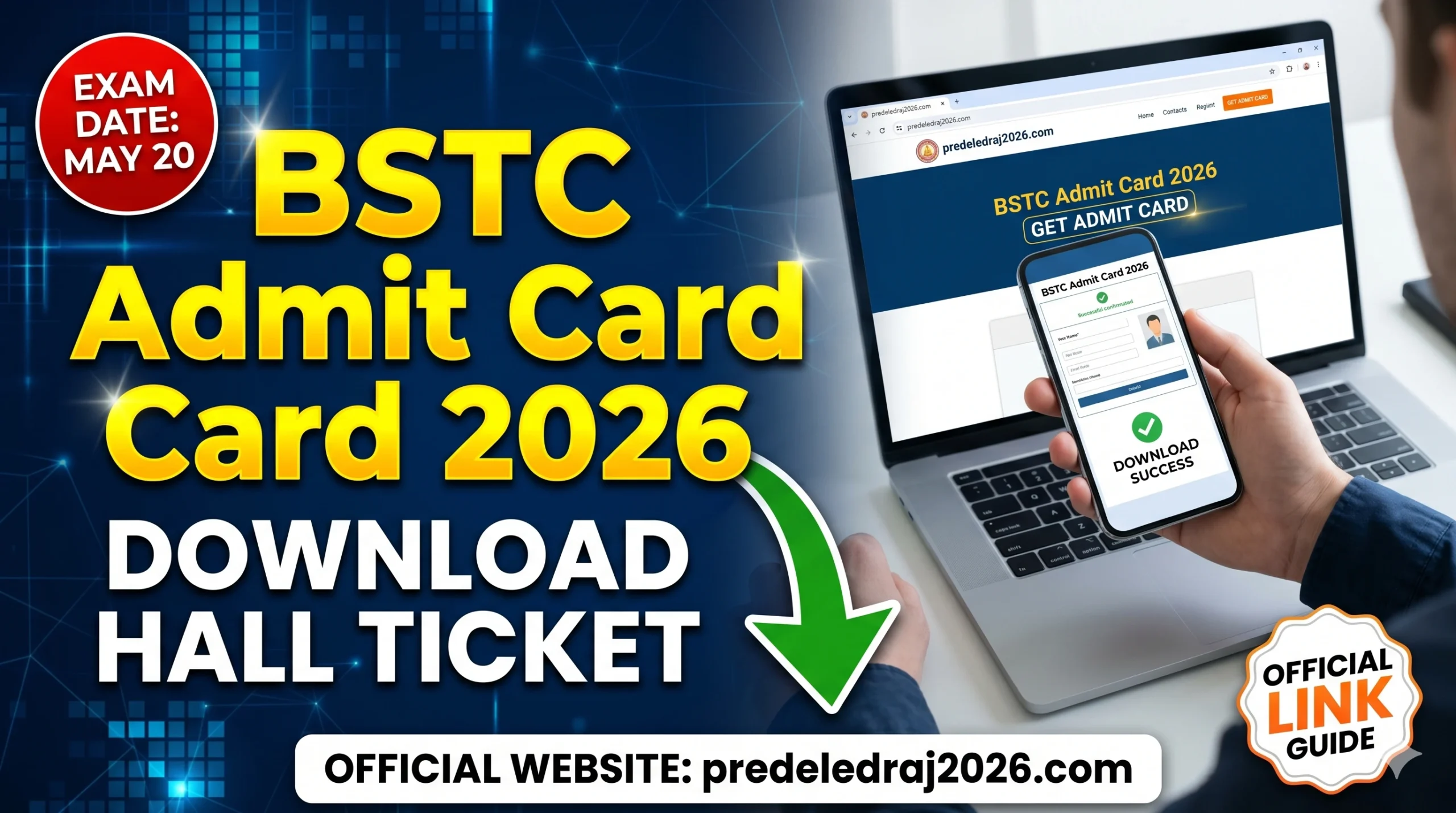
Vardhman Mahaveer Open University (VMOU), Kota, has officially released the BSTC Admit Card 2026 on its official portal. This admit card is for candidates seeking admission into the D.El.Ed (Diploma in Elementary Education) General and Sanskrit streams through the Pre D.El.Ed Examination 2026 (which most people still call BSTC the old name stuck around).
The exam is scheduled for May 20, 2026, and it’ll be held across teacher training institutes throughout Rajasthan. If you’ve already applied, your hall ticket is waiting for you right now.
The official website where you need to go predeledraj2026.com. Don’t use any other link. I’ve seen people land on clone sites and waste 20 minutes figuring out why their credentials aren’t working. Always go directly to the official URL. Here we will cover all important details like how to download admit cards, details given in admit cards and other key details
VMOU BSTC Admit Card 2026
| Organization | Vardhman Mahaveer Open University (VMOU), Kota |
| Exam Name | Pre D.El.Ed Examination 2026 |
| Exam Date | May 20, 2026 |
| Admit Card Release Date | May 15, 2026 |
| Selection Process | Multiple Stages |
| Exam Mode | OMR |
| Official Website | predeledraj2026.com |
How to Download Your BSTC Admit Card 2026
Here’s exactly what to do — no confusion, no unnecessary steps:
Step 1 — Open the official website
Go to predeledraj2026.com on your phone or laptop. The site works on mobile, but if it feels slow, try a desktop browser (Chrome works best in my experience).
Step 2 — Find the Admit Card link
On the homepage, look for something that says “Admit Card 2026” or “Hall Ticket Download.” It’s usually in the latest news section or as a prominent banner. If you don’t see it immediately, scroll down — these government portals sometimes bury important links.
Step 3 — Enter your login credentials
You’ll need your application number and date of birth (or password, depending on what you set during registration). If you’ve forgotten your application number, check the confirmation email or SMS you got when you first registered.
Step 4 — Download and save the PDF
Once you log in, your admit card will appear on screen. Click download and save it as a PDF. Don’t just screenshot it — examiners sometimes check the QR code or barcode on the original document.
Step 5 — Print it out
Take a clear, readable printout. Black and white is fine, but make sure the photograph, name, roll number, and exam center details are clearly visible. A blurry printout has caused problems for people before.
What’s on the Admit Card Check This Before You Leave Home
Don’t just download and forget. Actually read your admit card. Here’s what it should have:
- Your full name and photograph
- Roll number
- Exam center name and address
- Exam date and time (May 20, 2026)
- Instructions for the exam day
If anything looks wrong, especially your name, photo, or exam center, contact the VMOU helpdesk immediately. Don’t wait until exam day to discover a mismatch.